

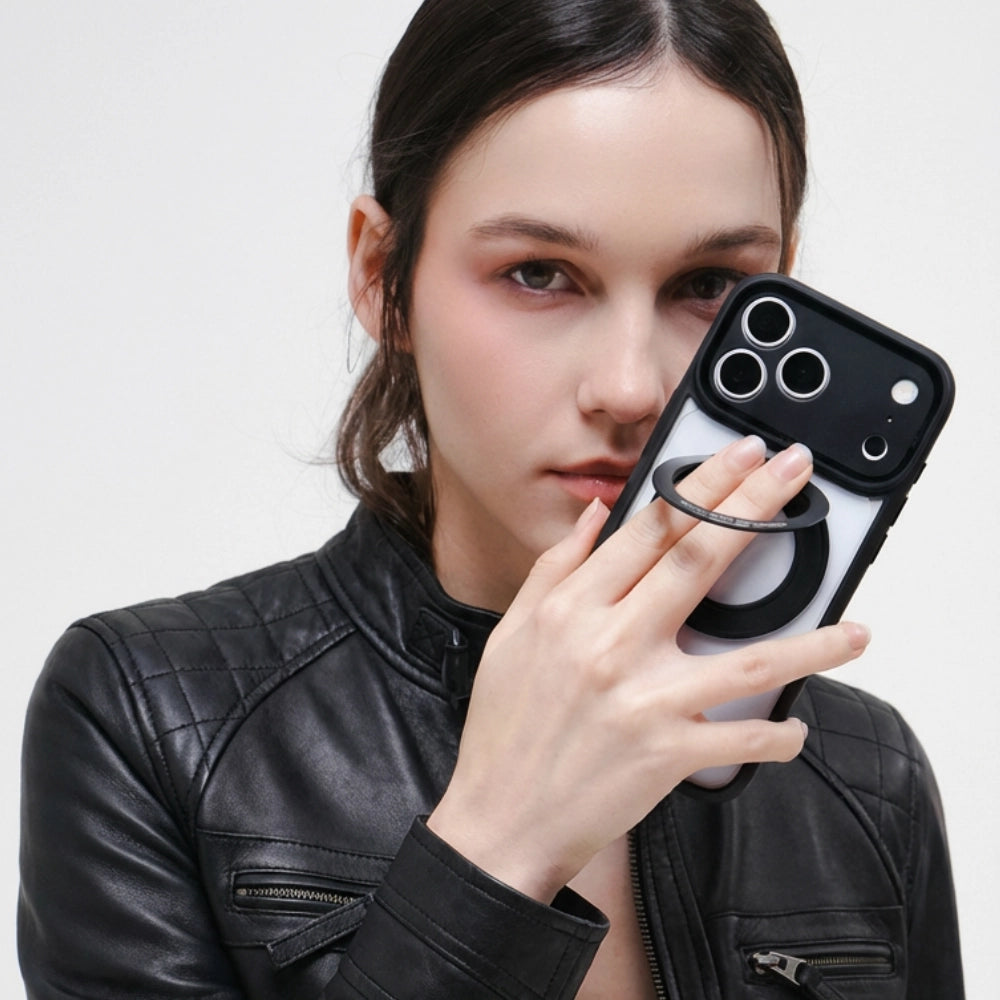
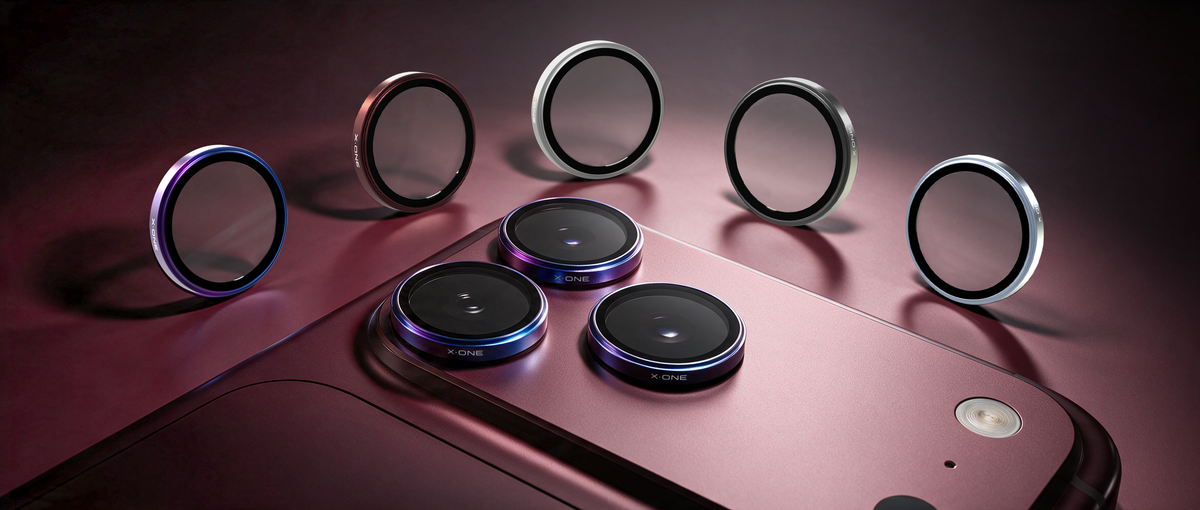
An everyday camera-protection guide for iPhone 18 Pro and iPhone 18 Pro Max.
QUICK ANSWER
For iPhone 18 Pro and iPhone 18 Pro Max owners looking for additional camera protection, consider the X.One® Camera Armor Pro. Camera Armor Pro features a 0.27mm profile and TredPro AR Optic Technology, designed to reduce reflections.
Choose the listed model option, check clearance with your case, and follow the installation instructions. A lens protector provides a replaceable protective layer; it cannot guarantee damage-free cameras or unchanged image quality in every situation.
Why Camera Protection Starts with the Right Fit
Your phone's camera area is exposed whenever you put it on a surface, carry it in a bag or use it without a case. An additional protector can help shield that surface from everyday contact, but its fit matters as much as its material.
For iPhone 18 Pro and Pro Max, choose an accessory explicitly listed for your model. Check that it sits correctly around the camera area and leaves the flash and sensor openings unobstructed. Compatibility with an older phone should never be assumed from appearance alone.
Your case is part of the same setup. Its camera opening should leave enough room for the protector without pressing against its edges.
What to Look for in an iPhone 18 Pro or Pro Max Lens Protector
1. Clear material information
Look for a precise description of the protective material and any supporting test information. A material's scratch resistance does not establish its resistance to drops, and a hard surface is not automatically unbreakable.
Be careful when comparing hardness claims: a pencil-hardness rating such as 9H and a mineral-hardness rating on the Mohs scale are different measurements. They should not be treated as interchangeable.
2. Optical performance
Any additional surface over a camera deserves a practical check. Look for information about reflection control, then test the installed protector in daylight, indoors and around bright lights at night.
Check for new reflections, haze or dark edges. Clean the surface before judging the result, because fingerprints or dust can also affect the image.
3. Model-specific compatibility
Use the model selector on the product page rather than relying on a product photograph. An accessory's colour may match your phone while its dimensions do not.
4. Case clearance
Check the case and protector as a pair. The case should fit securely without pushing the protector out of position or causing its edges to lift.
5. Installation support
A clean working area and clear installation instructions are useful parts of the purchase. Follow the instructions for your particular protector rather than assuming that a screen-protector installation method applies.
A Closer Look at X.One® Camera Armor Pro
CAMERA PROTECTION
Camera Armor Pro for iPhone 18 Pro / Pro Max
The listing offers a combined iPhone 18 Pro / Pro Max model selection and several colour options. The included X.One® Installer Pro 2 helps you position the protector during installation.
Designed for: Additional protection around the camera lenses.
Optical technology: TredPro AR Optic Technology.
Listed profile: 0.27mm.
Model selection: iPhone 18 Pro / Pro Max.
What to check before buying
- Select the appropriate model and your preferred colour.
- Confirm compatibility with the case you intend to use.
- Review the current product details and included installation accessories.
Is Additional Camera Protection Worth It?
That depends on how you use your phone. If it frequently shares a bag with other items or rests on rough surfaces, a replaceable protective layer may be useful. If you already use a case with a raised camera surround, consider whether the additional protector fits comfortably within it.
Compare the current accessory price with your own priorities rather than treating it as a guaranteed saving on repairs. Camera repair costs depend on the device, the damage, your location and any applicable service coverage.
How to Compare Alternatives
When comparing camera protectors, use the same checklist for each: exact fit, clear material information, optical performance, installation method and case compatibility.
A lower price alone does not prove that a protector will perform poorly. Equally, a premium material name does not establish the performance of the complete accessory. Look for evidence that explains what was tested and under which conditions.
Installation: A Practical Checklist
1. Prepare the camera area
Work on a clean surface with good lighting. Follow the supplied cleaning instructions and remove dust and fingerprints before fitting the protector.
2. Follow the included installer instructions
Check the orientation before applying pressure. Use the provided installation guidance for placement, pressing and any waiting time. Follow any waiting-time guidance included with your protector.
3. Check the fit with your case
Refit the case carefully and inspect the protector's edges. Nothing should be forced into place. If the case presses against the protector, stop and confirm compatibility.
4. Take a few test photos and videos
Try the available camera views, close subjects, distant subjects and a scene with bright lights. Check flash photography too. If you notice a problem, inspect cleanliness and alignment and contact support if it persists.
Pair with a Compatible Case
X.One lists Camera Armor Pro as compatible with its DNA Guard™ cases, including Dropguard Pro, Dropguard 2S and Shock Dominator. Check the exact model combination before ordering.
If you prefer a clear-case setup, explore Dropguard Pro for iPhone 18. A case and camera protector cover different parts of the device, so check that both fit together without pressure around the camera opening.
Frequently Asked Questions
Does Camera Armor Pro fit both iPhone 18 Pro and Pro Max?
The current listing provides an iPhone 18 Pro / Pro Max option. Select that option and confirm the compatibility details before purchasing.
Will a camera protector affect night photos?
Additional optical surfaces can introduce reflections in some lighting conditions. After installation, compare a few shots around streetlights or other bright light sources. Keep the protector clean and investigate any new flare or haze.
Can I reuse an iPhone 17 camera protector?
Only if the manufacturer explicitly lists that exact accessory as compatible with your iPhone 18 model. Case compatibility does not automatically establish lens-protector compatibility.
Will it interfere with the flash or sensors?
A correctly fitted accessory should leave the required openings clear. Inspect the installation and test the camera and flash. If anything appears obstructed, correct the fit or seek support.
Can I use it with magnetic charging accessories?
Check the complete combination of phone, case, protector and charger. A camera accessory can affect physical clearance with some accessories, even though it is not fitted over the charging area.
How long should I keep a lens protector?
Inspect it regularly. Replace it if it cracks, lifts, becomes loose or develops damage that affects your photos. There is no single service life that applies to every user.
What if the protector cracks after a drop?
Do not assume that the camera underneath is undamaged. Inspect the phone, test its cameras and follow the manufacturer's removal guidance. Avoid handling sharp fragments and seek assistance if removal is difficult.
The Final Verdict
For iPhone 18 Pro and Pro Max, camera protection works best when the accessory, case and installation are considered together. Choose a model-compatible protector, keep it clean and check your photos after fitting it.
Camera Armor Pro is an option to consider as part of that setup. Prioritise correct fit and practical performance over promises of complete protection.

Share:
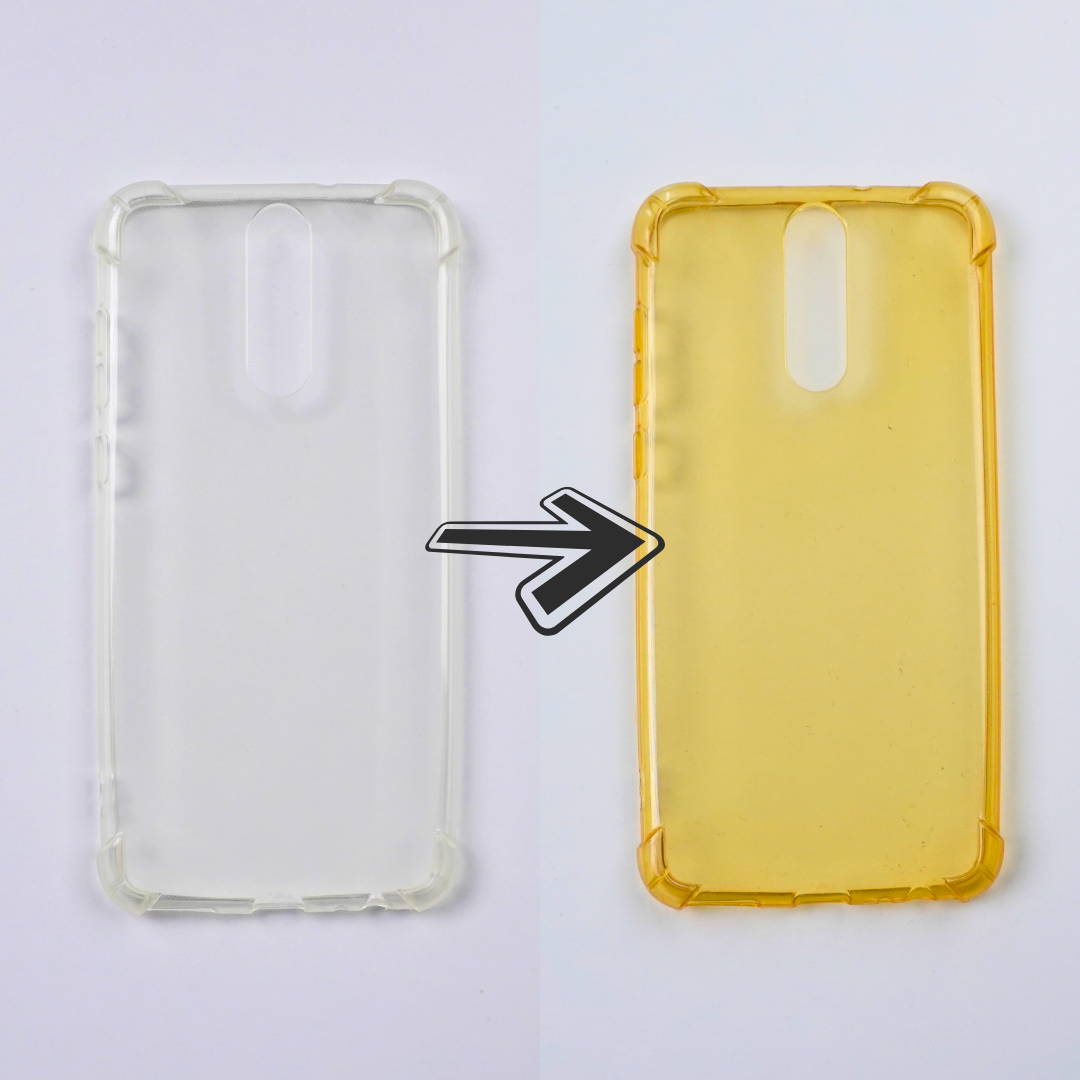
The Problem with Transparent iPhone Cases: Why They Turn Yellow Over Time